What is a Brand Panel? It refers to a panel recruited for user research in the currently operational services.
For example, if KakaoT has its own panel for user research,
that panel can be registered and managed as ‘KakaoT Brand Panel’ in User Spoon.
The Brand Panel is created through the voluntary participation of the company’s users, collects profiles within that panel, and allows for detailed target-based user research.
Through this, you can obtain in-depth feedback that is contextual to service use more cheaply and quickly than outsourcing the recruitment of panels to an external agency.
🗨️ When you introduce a Brand Panel, you can instantly execute research whenever you want.
Surveys can be easily sent and interview schedules can be coordinated through KakaoTalk notifications.
👥 From checking the list of panels you have to recruiting, manage it all at once with User Spoon's Brand Panel!
1. Introduction to Key Menus for Brand Panels
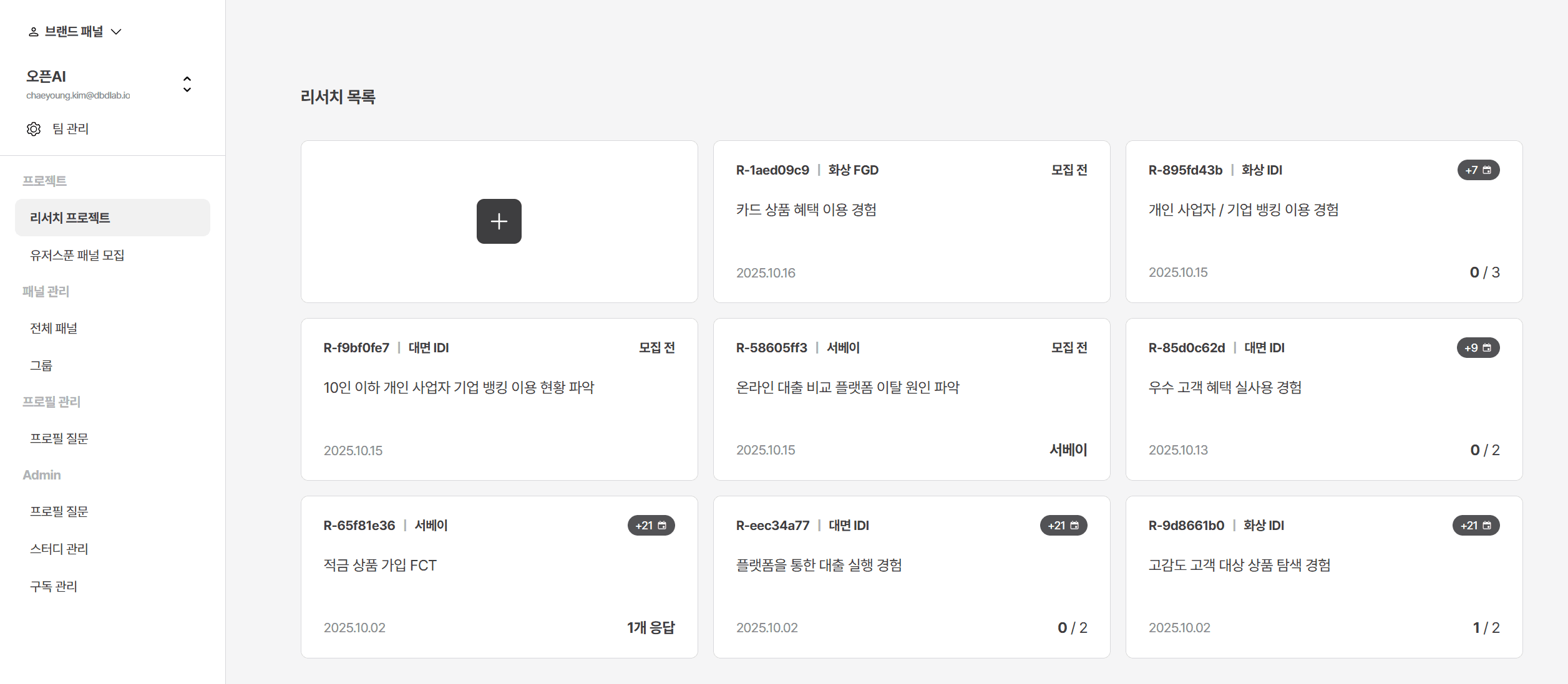
🔹 Key Menu Guidance
Project > Research Project
You can conduct surveys, interviews, and other research recruitment and execution targeting the Brand Panel.
Project > User Spoon Panel Recruitment
If there are no desired panels within the brand panels you hold or if you want to conduct research on more diverse panels,
you can request research targeting User Spoon's own panels.
Panel Management > All Panels
You can check the list of brand panels for the service currently in operation.
Panel Management > Group
You can manage a group of panels bundled together based on specific conditions from the complete panel list.
Profile Management > Profile Questions
For panel targeting, you can ask and manage attribute information of the panel such as profession, marital status, hobbies, etc.
The response history for profile questions can be viewed in the complete panel list.
🔹 What is a Research Project?
In a research project, you can easily conduct a variety of research from surveys to in-person/remote IDI and FGD.
1) When conducting a survey
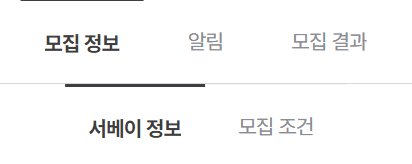
At the top, you can check recruitment information, notifications, and recruitment results.
In recruitment information, you can input the survey response link and recruitment conditions.
Example: Input survey form link, set response conditions, etc.
2) When conducting in-person/remote IDI or FGD
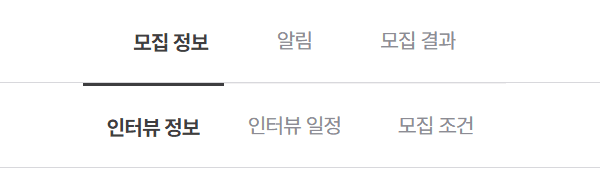
To conduct an interview, you need to set interview information, interview schedule, and recruitment conditions.
Interview information: Enter the interview topic and basic instructions
Interview schedule: Select the date and time for the interview
Recruitment conditions: Set the interview participants
3) Notifications
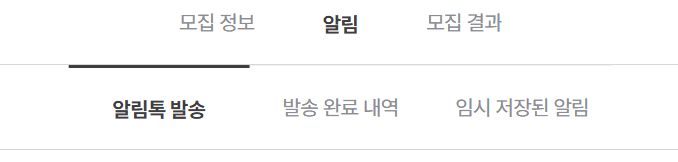
The notifications tab is structured the same way for both surveys and interviews.
Send notification message: You can write and send the research participation information.
History of sent notifications: You can check the status of sent notifications.
Temporarily saved notifications: You can save messages in advance before sending.
4) Recruitment Results
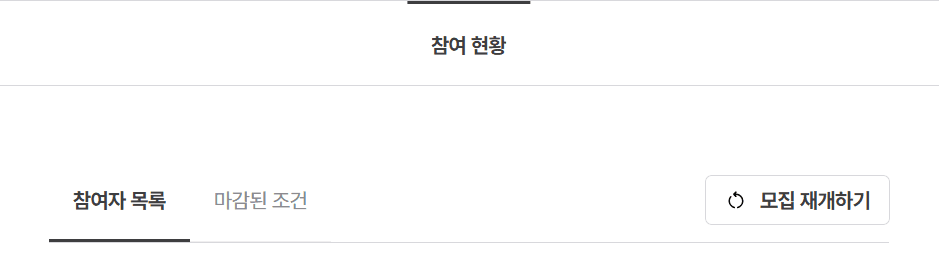
You can confirm interview applications and survey progress based on the recruitment conditions.